Gems 3D Print-Blender Practise
For one of the gems, I created it by following a tutorial by Aisjam 3D: https://www.youtube.com/watch?v=NdPfrSpxCQE.
The other gems were create by using a built-in Blender add-on called 'Extra Objects'.
I created the Vignette effect by following a tutorial by Ryan King Art: https://www.youtube.com/watch?v=0RyaSB9qyL8.
I am currently using Blender 4.2, so I used a tutorial by Michael Bridges to recreate the Bloom effect for the Asset since it has been replaced with Ray-Tracing: https://www.youtube.com/watch?v=M_OlXyyMIW0.
Aisjam 3D's Channel Link: https://www.youtube.com/@aisjam3D.
Ryan King Art's Channel Link: https://www.youtube.com/@RyanKingArt.
Michael Bridges' Channel Link: https://www.youtube.com/@MichaelBridges3D.

The gem I modelled had its Normals inverted, which made it stand out.

Normals Fixed
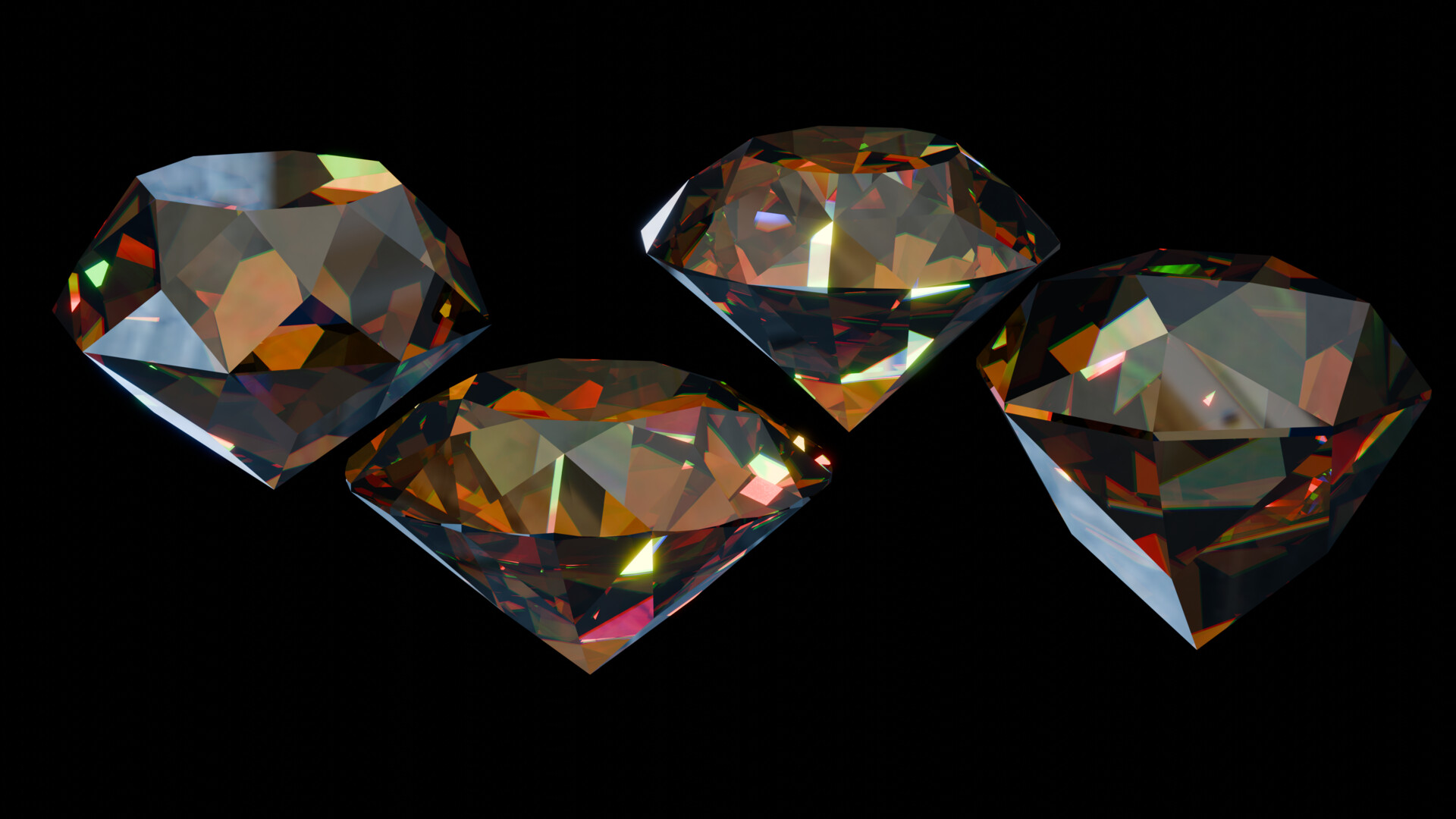
Different Colour Variant

1st 3D Print Test

2nd 3D Print Test